upday - Design system
Task:
Implementation of a UI Kit and Design Tokens for a news aggregator app
Creation of a documented and shared UI Kit for the news app
Complete documentation and sharing with the development team ensure designers and developers have a unified reference.
Phase 1: User Needs
Establishing a centralized Design System created a definitive single source of truth for all digital products.
By consolidating fragmented guidelines into a unified component library, the onboarding process for new team members was streamlined and visual consistency was guaranteed across platforms.
This structural framework allows for effortless component sharing, enabling the design organization to scale rapidly without sacrificing quality or architectural clarity.
Phase 2: Research
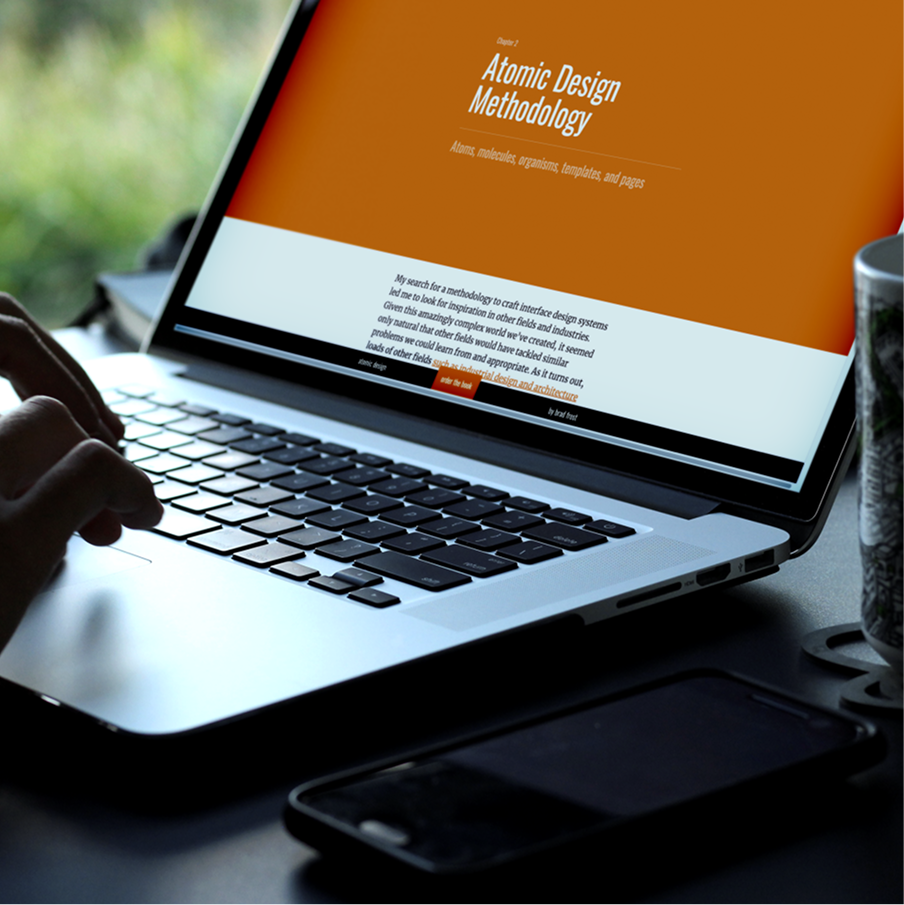
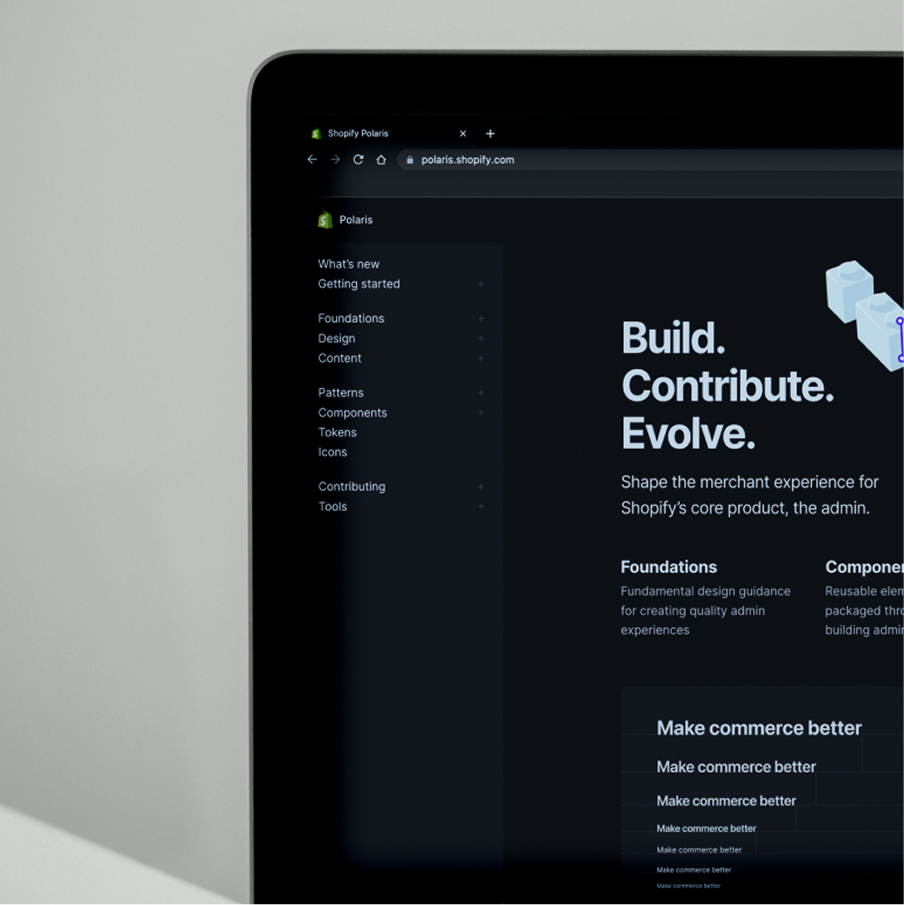
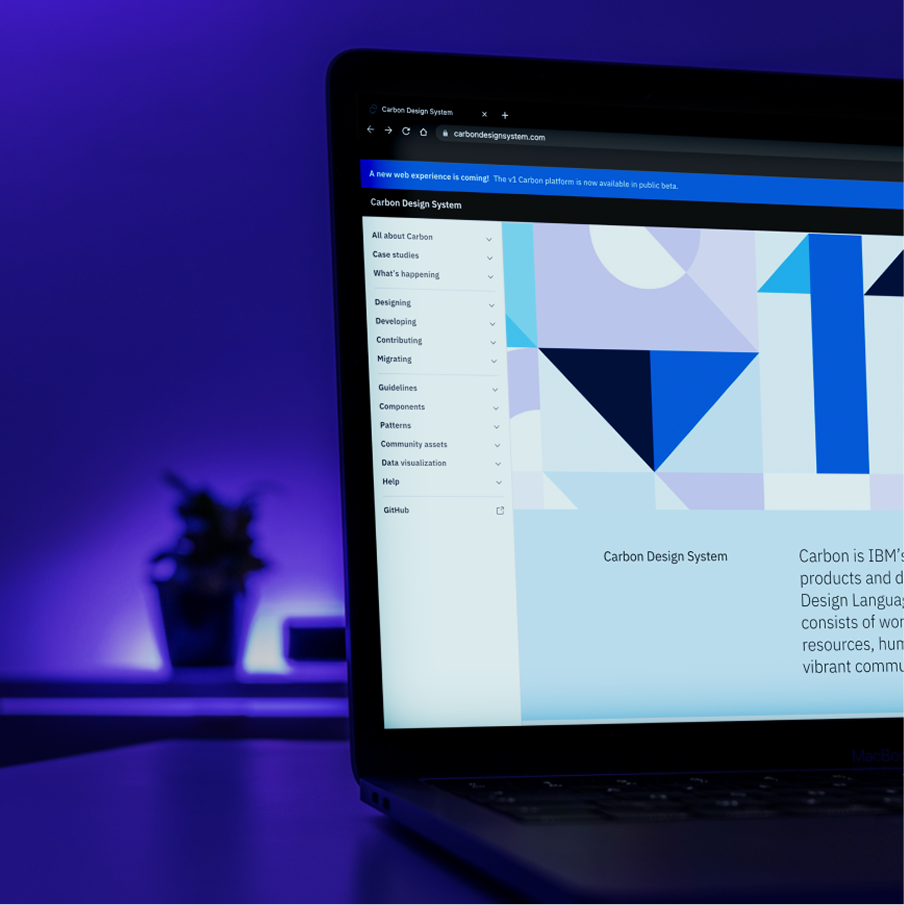
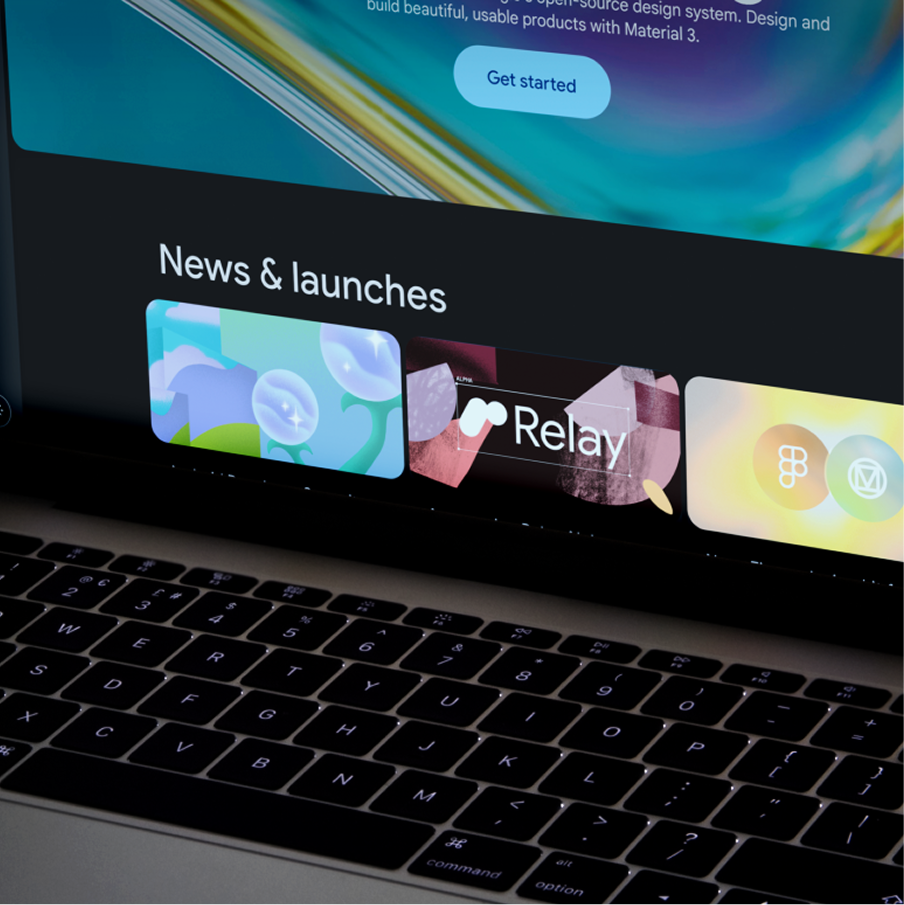
The project started with the research of already existing Design Systems to find which one was more suitable for the product. After searching and studying DS like Material Design, Polaris, and Carbon the focused move more on a methodology to follow and the decision was made on the Atomic Design Methodology by Brad Frost. This methodology allowed us to create a scalable and flexible design system with an easy access for editing which was the main request from all the stakeholders.
Phase 3: Action
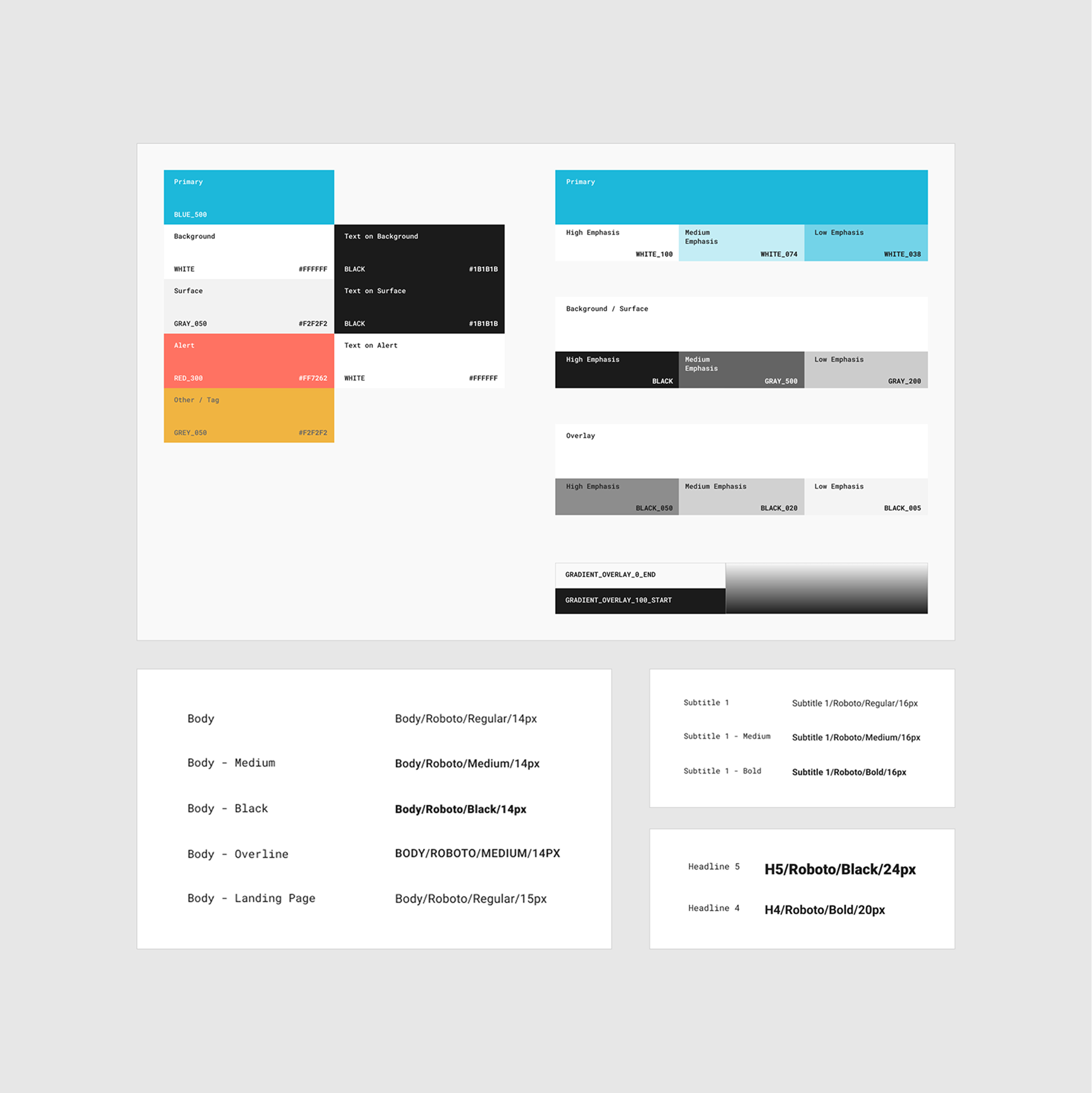
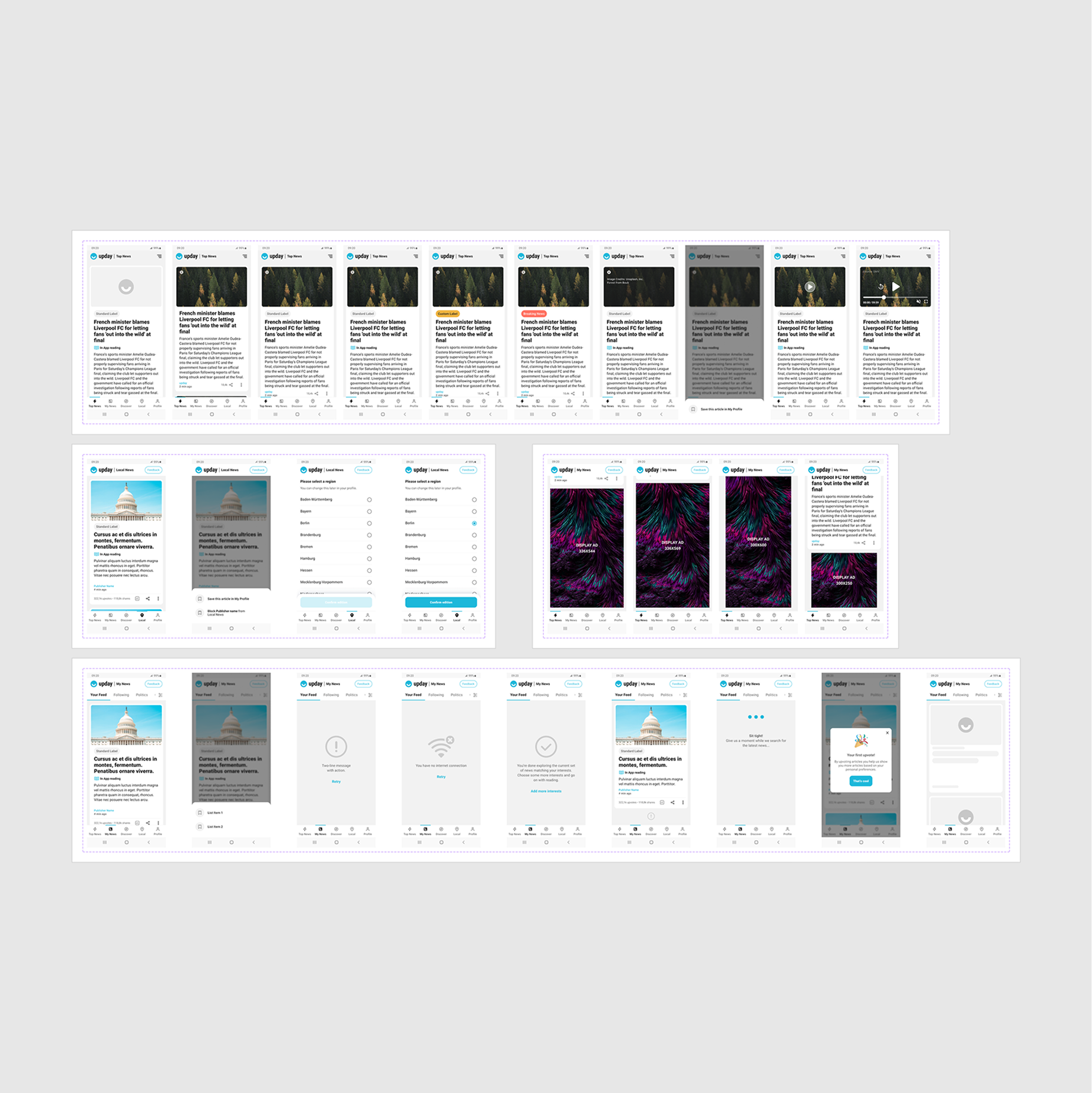
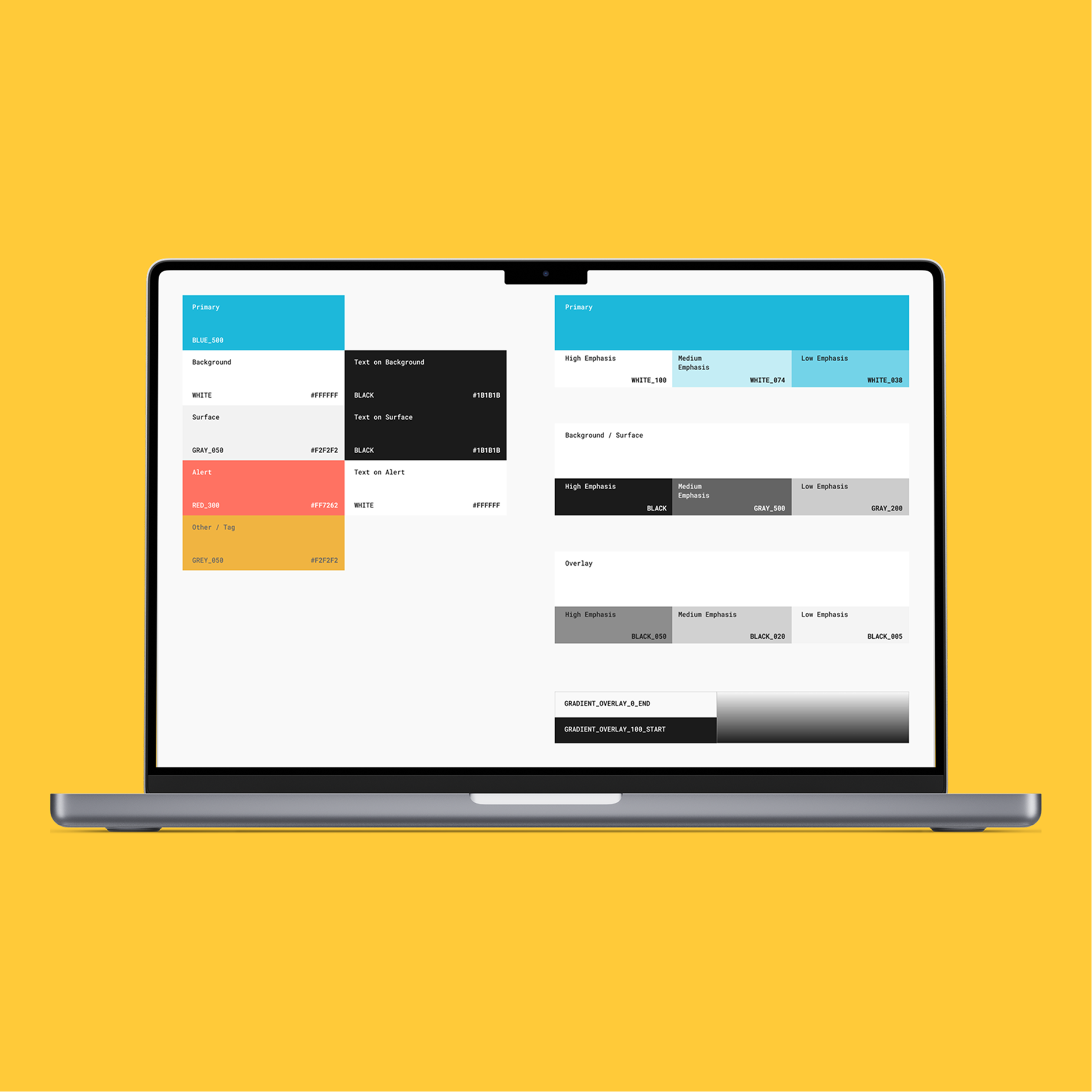
After defining the methodology to follow for creating the DS the next step was to build in this way a first section of it. We decided to move with the Top News section (the main section of the app) to have enough material to test afterwards and have a clear view if this method was performing or not. So after defining the method and the section to focus the process started by creating first all the atoms, then the molecules, and so on related to that specific section until we arrived to the final UI. During this process we did not focus on the definition of typography and colours for two reasons. They were already defined by the previous design and we wanted to focus only on the methodology of the Atomic Design methodology.
Phase 4: Testing
Once the first section was ready we moved on an internal test within all the involved departments. After receiving a positive feedback from all of them, especially the FE department we agreed at unanimity to use this methodology entirely for our products.
Phase 5: Final implementation